
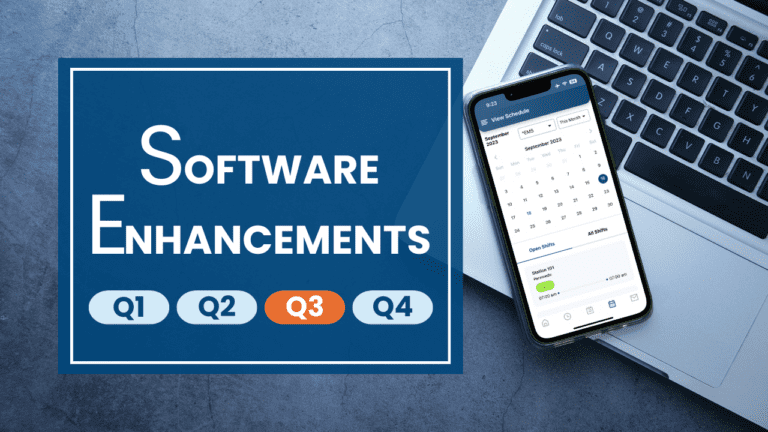
Recent Enhancements
Auto Adjust Timeclock on Timecards
Now when administrators are viewing timecards, the auto adjust timeclock function will run automatically and apply the appropriate divisional pay rules based on the division of the employee whose timecard is being viewed.
PTO Request Comments on Schedule
We’ve added an option to only show employee’s approved PTO request comments on the schedule to administrators. This option will ensure any personal comments made by employees when submitting PTO requests are not viewable by other employees.
Mobile App Enhancements
We implemented several updates, including core platform and third-party libraries, to improve app performance and speed.
Basic User Message Only Admins
A new configuration option has been added to allow basic users to send emails, texts (if texting service is enabled) and internal eSchedule messages to administrators. This new messaging tool will allow employees to communicate with their managers through eSchedule, while preventing them from messaging fellow basic users.
Please submit a request through the Open Support Case link in the Help menu in eSchedule if you’d like us to turn this option on for your agency.
Submitted Date in PTO Report
As requested by many customers, the submitted date now shows by default in the PTO report. Users no longer have to use the filter option, check the box to show Submitted Date, and refresh the report to show the submitted date.
Valid View Indicator
A valid view indicator has been added to show when your selection in the ‘view’ dropdown on the schedule doesn’t include the expected shifts. This could happen when updates have been made to your schedule views, such as adding a new shift to a view. The red, double exclamation point indicator will appear when your Default View needs to be resaved in your Schedule Preferences.
