
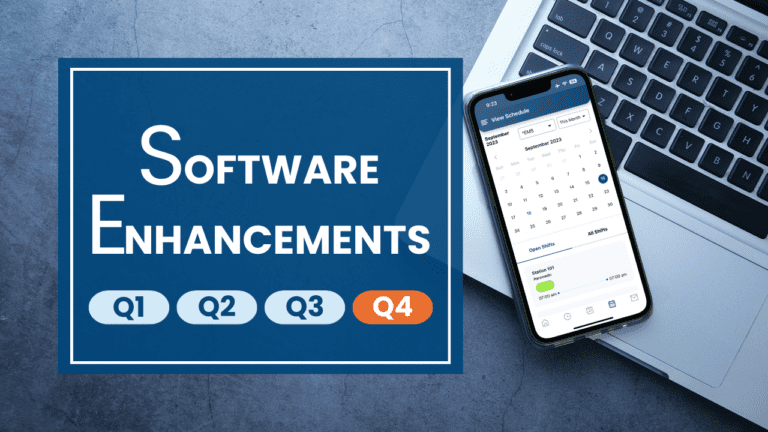
eSchedule Mobile v2.0 is here!
We are excited to announce the release of eSchedule Mobile v2.0! Download it now from the the Apple and Google Play app stores!
Just over 6 months after the initial release, we have significantly improved eSchedule Mobile with the version 2.0 release, adding several new, powerful, and convenient features, including shift reminders, shift swaps and covers, clock in and out, view timecard, view PTO balances, PTO requests, and bid, swap and PTO approval reports.
All of these new features add to the originally released scheduling and messaging functionality and add tremendous value to eSchedule Mobile. We appreciate your ongoing support as we continue to enhance the eSchedule solution, and hope you enjoy the all new eSchedule Mobile v2.0!
Please see below for additional details and click here to watch the release video: Introducing eSchedule Mobile v2.0!
Shift Reminders
From the Settings menu, users can now set a default shift reminder, which will trigger a push notification to remind the user each time they have a shift starting soon.
Shift Swaps
From the My Schedule screen, users now have the ability to initiate shift swaps and covers.
Clock In/Out
Users can clock in and out through the mobile app. Additionally, administrators can control where employees can clock in and out through new geofencing technology we’ve built in to eSchedule
View Timecard
Timecards are now available in the mobile app, allowing users to view their in- and out-times, hours earned, shifts worked, comments and totals by day, and by pay period.
View PTO Balances
Users can view their current PTO balances in the mobile app.
PTO Requests
From both the lefthand menu and the PTO Balances screen, users now have the ability to submit PTO requests.
Bid Report
Basic users, schedulers and administrators have the ability to review and approve or reject bids through the Bid Report.
Swap Report
Using the Swap Report, all users can review and approve or reject swap and cover requests.
PTO Report
In the PTO Report, users can view and approve or reject PTO requests.
A quick note for customers with customizations – the mobile app may not include the custom programming logic provided in the web app. If you have questions on your specific custom solution, please reach out to support@goeschedule.com.
Recent and Upcoming Enhancements
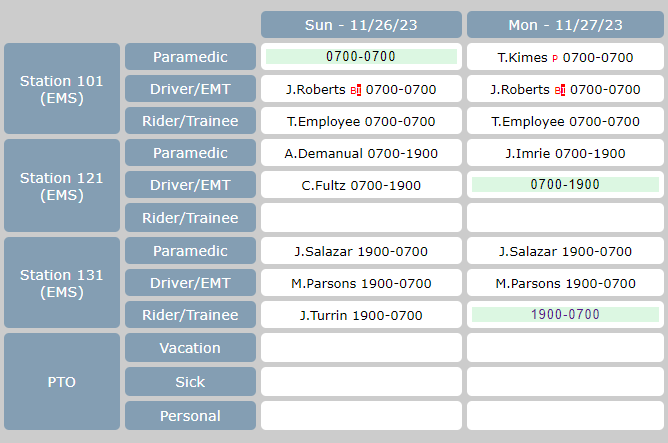
New Weekly Schedule View
We are working on a new Weekly Spreadsheet schedule view that offers additional spacing and a new look. If you would like to add this new view and be a part of our beta program, please submit a support request case through the help menu or email us at support@goeschedule.com!
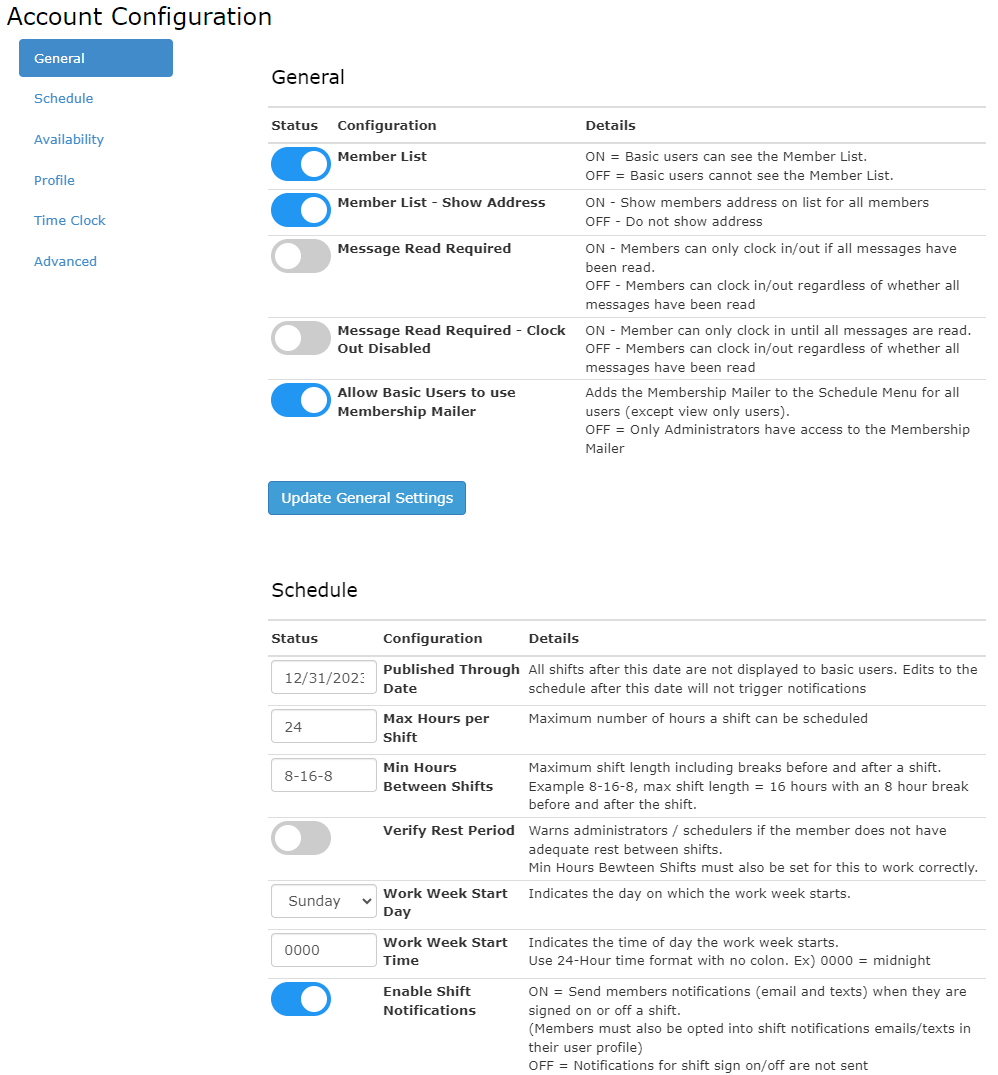
Account Configuration
In the coming days, administrators will have the option to update their account configuration to change settings related to the core features, scheduling and timekeeping. We will provide additional information when this new self-administration functionality is released!
Recurrence Extender
The Recurrence Extender tool has been updated to display recurrences by employee and then shift. It also now allows Schedulers to update shifts/positions within the Recurrence Extender, which can be useful when someone is staying on the same schedule/rotation but moving to a new position. Column sorting has also been added to the Schedule Rotation Extender screen.
Verizon Messaging Issue
We are continuing to troubleshoot the issue with Verizon not allowing messages to be delivered to vtext.com and vzwpix.com addresses. Unfortunately, we can’t control Verizon or other carriers from blocking messages, however, we are committed to finding the best solution for all of our customers.
For the fastest and most reliable messaging option, we recommend using the eSchedule Mobile app. Both automatic notifications and administrator messages can be sent as push notifications to users who have the mobile app installed.
For example, with the mobile app installed, users can receive push notifications for open shift notifications, PTO requests, bid requests and swap requests. Users can then bid on open shifts in the View Schedule screen, and review and accept PTO, bid and swap requests under My Approvals in the lefthand menu.
Administrator messages are also received as push notifications, and can be read and acknowledged in the Messages screen in the app. Soon we will add the ability to store notifications in a new Notifications screen for a period of time so users can reference notifications previously received.
