Let’s be honest: managing employee schedules can feel like a high-stakes game of Tetris. Every shift must be covered, workloads must be balanced, policies followed—and one last-minute absence can throw everything off. In fields like public safety, healthcare, and government services, a single scheduling mistake can cost lives, trust, or money.
What if you could replace confusing spreadsheets, endless phone calls, and missed alerts with something smarter? That’s where the best employee scheduling software steps in. It doesn’t just save time—it transforms how your team collaborates, communicates, and stays compliant. Here’s how to pick the one that suits your organization.
1. Find Industry-Specific Features
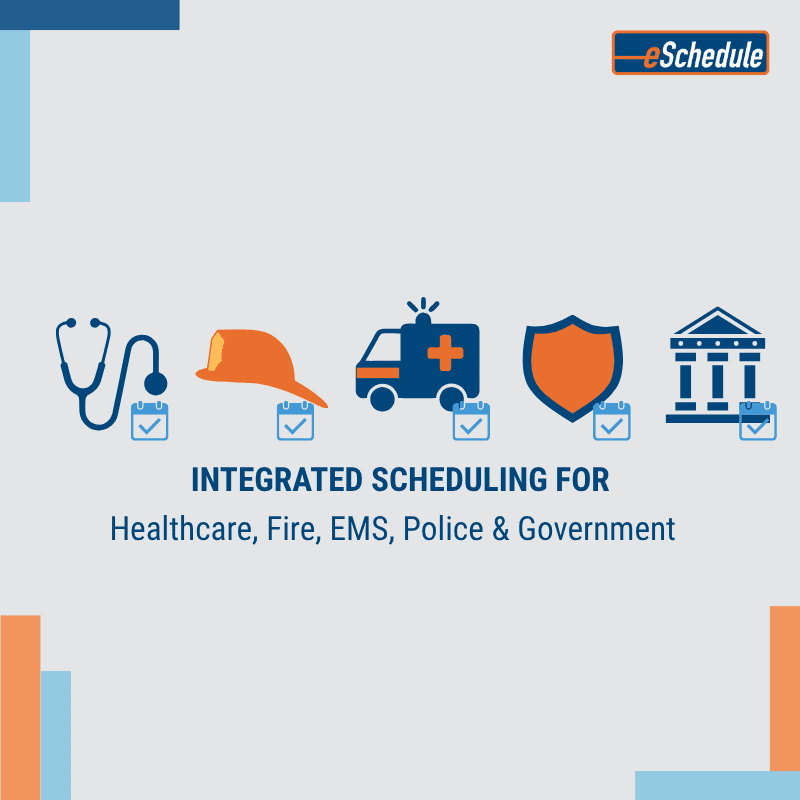
One size absolutely doesn’t fit all. A hospital, a fire department, and a government agency each have unique scheduling hurdles:
- Healthcare staffs multiple roles continuously.
- Public safety (police, EMS, fire) deals with complex rotations, mandatory overtime, and certification-based assignments.
- Government often has multiple worksites and stringent labor rules.
The best employee scheduling software will include things like:
- Flexible shift templates and rotation patterns
- Role-based scheduling so staff are assigned by qualifications
- On-call management and backfill tools
You can read more on how this works in practice here.
2. Automation: Your Time-Saving Ally
Ditch the back-and-forth emails and paperwork. Automation transforms scheduling from a burden into a benefit. The best employee scheduling software should let you:
- Automatically build and publish recurring schedules
- Fill open shifts quickly and track employee availability
- Handle time-off and shift-swap requests easily
- Send alerts and reminders so nothing slips through
Harvard Business School’s article on managing remote teams discusses how using tools and structured communication helps remote and distributed teams reduce friction and maintain productivity.
3. Integration Across Timekeeping & Payroll
Scheduling alone isn’t enough if your timekeeping or payroll don’t align. Mismatched systems lead to double entry, errors, missed overtime, compliance headaches.
The best employee scheduling software links directly to timekeeping and payroll, so hours, overtime, and leave flow smoothly. eSchedule’s Timekeeping features show how real-time tracking can sync with payroll to keep everything accurate.
Look at this article by TEAMSoftware, which shows how integrating these functions simplifies processes, reduces errors, and saves time.
4. Mobile Access for Teams on the Move
If your team is field-based—EMS, firefighters, police officers, site inspectors—a desk isn’t always an option.
The best employee scheduling software offers a mobile app or at least a mobile-friendly interface so staff can:
- View their upcoming schedules instantly
- Get pushed alerts about shift changes
- Request time off or swaps from their phones
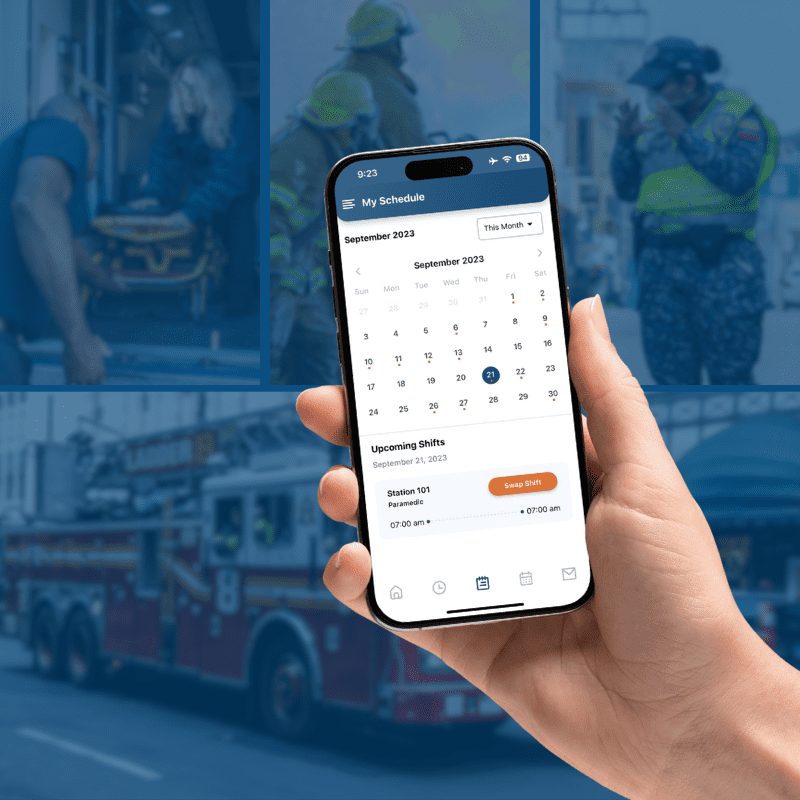
eSchedule’s Scheduling for EMS, Fire & Police section highlights its mobile responsiveness, helping teams in these critical roles stay connected and manage their schedules on the go.
5. Compliance Rules You Can Customize
Labor laws, union agreements, rest periods, certifications—they vary by jurisdiction and are non-negotiable.
Look for software that allows you to set “guardrails”:
- Maximum shift lengths & required rest periods
- Overtime limits
- Verification of certifications or licensing
eSchedule’s Police Department Scheduling & Timekeeping shows how these features are embedded for compliance in demanding environments.
6. Reporting & Analytics: The Big Picture
Filling shifts is just the beginning. The real power comes when you see trends, predict staffing gaps, and control labor costs.
The best employee scheduling software provides dashboards and analytics for:
- Overtime usage & cost
- Absenteeism or no-shows
- Staffing patterns over time
For example, McKinsey’s article on workforce stability highlights how organizations with strong forecasting and analytics capabilities are better able to adapt, reduce turnover, and improve productivity.
7. Usability & Support
Even with all the features, a platform won’t help if it’s hard to use. The best employee scheduling software must be easy to navigate, have clean onboarding, and offer responsive support.
Final Thoughts
Switching to the right scheduling software is more than convenience—it’s transformative. The best employee scheduling software:
- Cuts down administrative burden
- Improves accuracy and compliance
- Ensures your team is in the right place at the right time
If you’re ready to stop playing scheduling Tetris, explore how eSchedule can help. Designed for public safety, healthcare, and government services, it unifies scheduling, timekeeping, and payroll into one smart platform.
Empower your team with scheduling that works—so you can get back to what truly matters.
